Pygame fundamentals
Learn what every game is made of, one short lesson at a time, with each example running beside the text.
- 1The game loopA window to draw onThe loopSomething that changes every frame
- 2Drawing shapes, colours and textCoordinates start at the top leftColours and shapesText
- 3Moving with the keyboardHeld keys: key.get_pressed()Single presses: KEYDOWN eventsWhich keys have names
- 4Rectangles and collisionsA Rect is a box you can moveTouching: colliderectThe mouse: collidepoint
- 5Score, lives and game statesOne variable says what the game is doingStarting againMake it harder as it goes
- 6Lists of things: spawning, timers and randomnessA list, a timer and randomRemoving things safelyThings with more than a position
- 7Sprites and groupsA class for each kind of thingGroups do the looping for youCollisions between groups

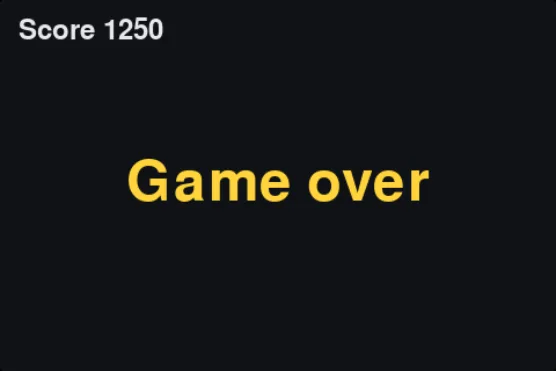

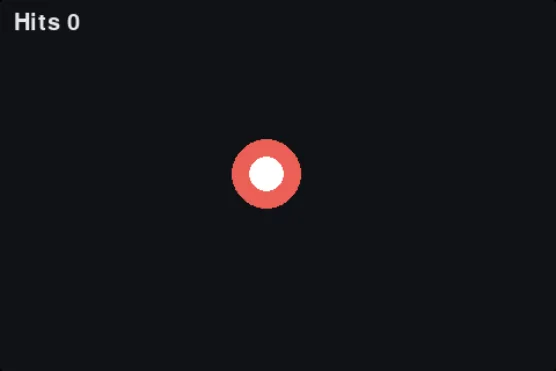
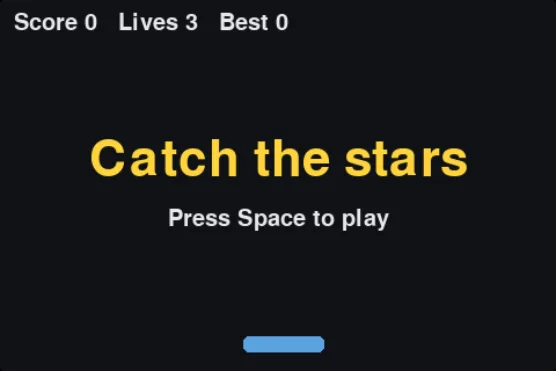
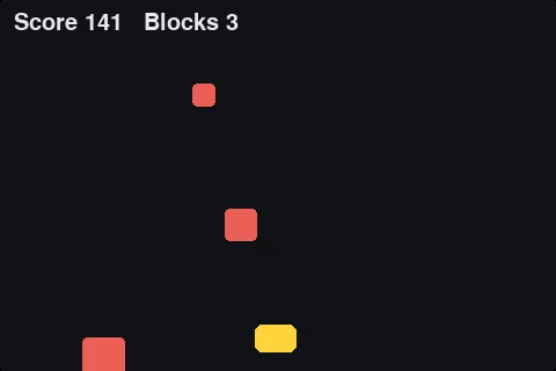
You need a little Python first: variables, if, loops and functions. The Python tutorials cover them. After the lessons, build whole games step by step in the pygame challenges.