Pygame Online
Learn pygame · Game challenges · Gallery
Write a pygame game and play it in your browser.
Classic games
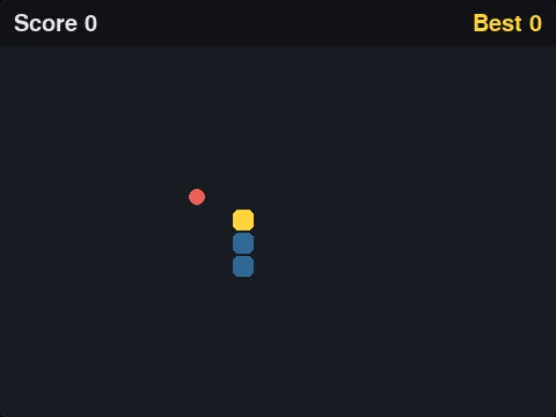 Snake
Grids, lists as a snake, random food · 142 lines
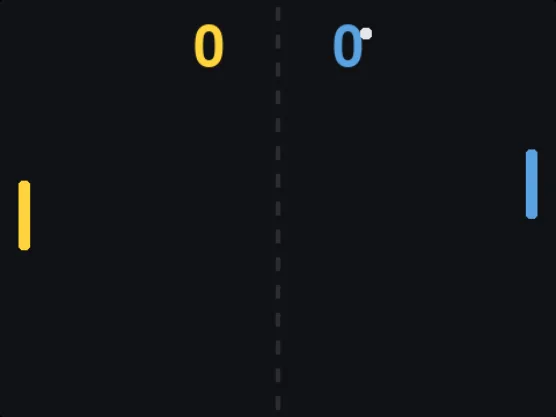 Pong
Rect collisions, angles, a simple opponent · 155 lines
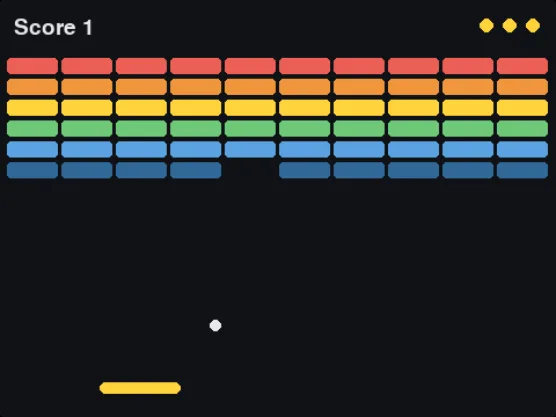 Breakout
Lists of Rects, two-step collisions, lives · 175 lines
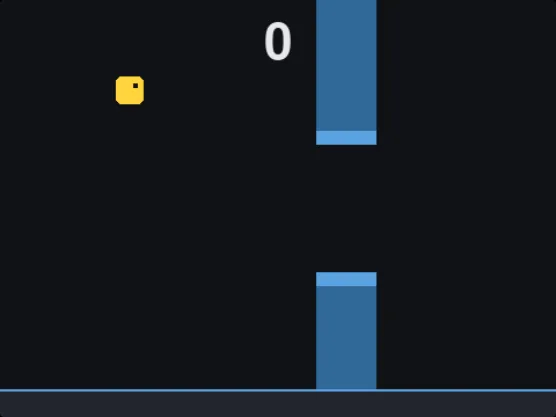 Flappy Square
Gravity, scrolling, dictionaries · 153 lines
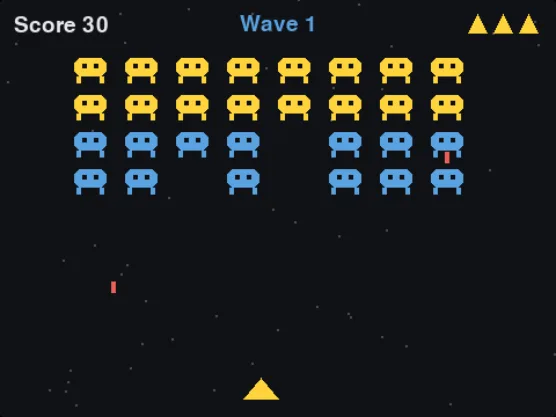 Space Shooter
Waves, timers, many moving objects · 216 lines
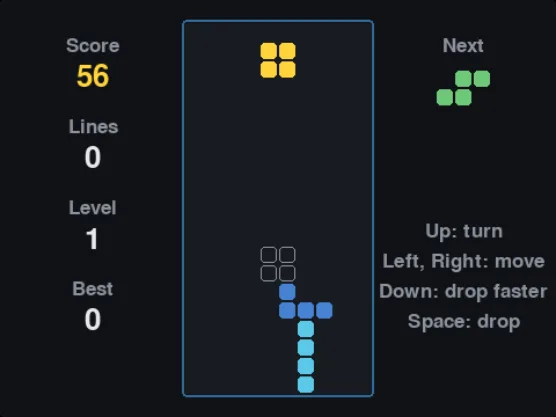 Falling Blocks
A 2D board, rotation, clearing rows · 225 lines
Learn, then build
Questions
Can I run pygame online without installing it?
Yes. This page runs pygame (pygame-ce) in your browser tab, on Windows, Macs, Chromebooks and most school computers.
Do I need to change my pygame code?
Usually not. Desktop programs with a normal game loop (handle events, draw, pygame.display.flip(), clock.tick()) run as they are.
Can I play on a phone or tablet?
Yes. On touch screens the page shows arrow keys and a space bar, so games played with those keys work.
What does not work?
Loading image or sound files from your computer, threads, and loops that never call pygame (a busy loop with no clock.tick() or display.flip() freezes the tab). Shapes, text, colours, keyboard and mouse all work.
Can I share my game?
"Share link" copies a link that opens this page with your code in it. Anyone with the link can play it and change it. "Send to gallery" offers it for the gallery of games made by learners, where it appears once it has been looked at.
Younger learners: start with Python turtle. More game ideas: Python programs such as tic-tac-toe and hangman.