Python Turtle Online
Draw with Python's turtle module in your browser. Free, no sign-up.
Drawings to try
All turtle drawings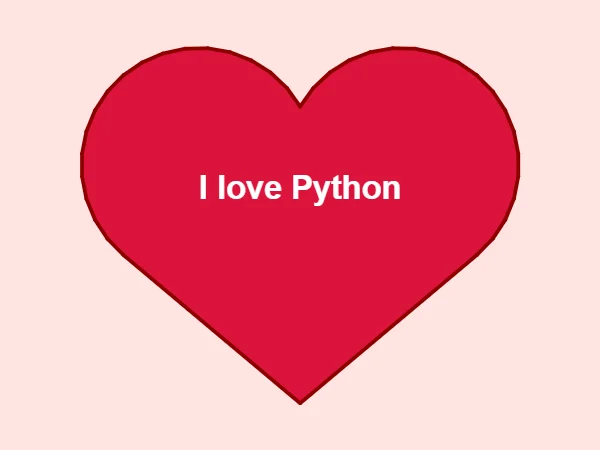

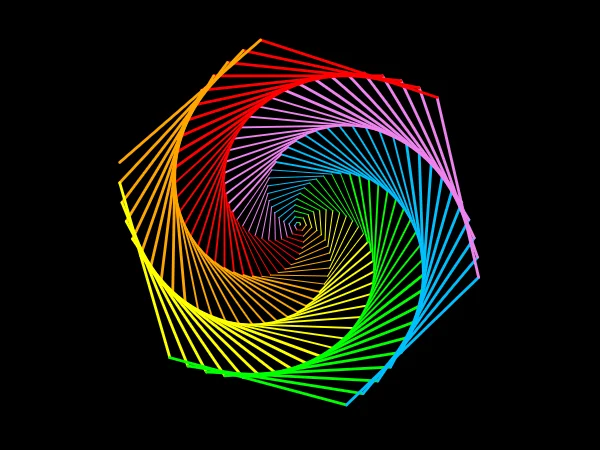

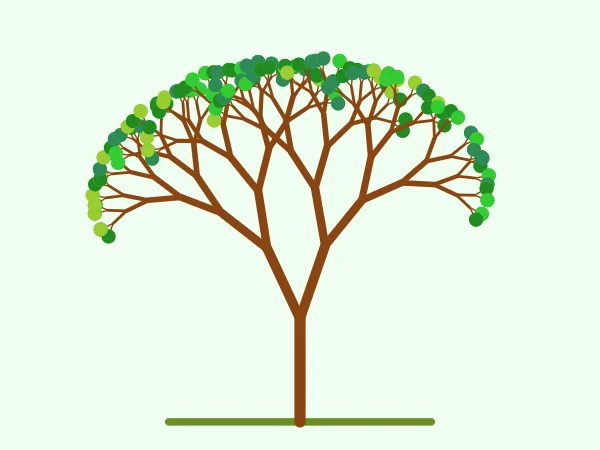



Speed, replay and download
The drawing plays at the speed your program sets with speed(). You can change the playback speed, replay it, skip to the end, or save it as a PNG or an animated GIF.
For longer programs, use the full editor: it saves as you type and can share your code with a link.
Turtle commands that work here
- Moving
- forward / fd, backward / bk, goto / setpos, setx, sety, home, circle (with extent and steps), teleport
- Turning
- left / lt, right / rt, setheading / seth, towards, heading, degrees, radians
- The pen
- penup / pu, pendown / pd, pensize / width, pencolor, isdown, speed (0 to 10 and the names)
- Colour and fill
- color, fillcolor, begin_fill, end_fill, filling, colormode (1.0 or 255), every web colour name, "#rrggbb" and (r, g, b)
- Marks and text
- dot, stamp, clearstamp, clearstamps, write (with align and font)
- The turtle
- shape (arrow, turtle, circle, square, triangle, classic), shapesize, tilt, showturtle, hideturtle, clone, several turtles at once
- The screen
- Screen, bgcolor, title, setup, screensize, setworldcoordinates, tracer, update, register_shape (polygons), clear, reset, done, mainloop, exitonclick
- Keys, clicks and timers
- listen, onkey / onkeyrelease, onkeypress, onscreenclick, onclick (on a turtle), ontimer: games keep running after the program ends
Programs with onkey, onclick or ontimer keep running: click the drawing, then use the keys. Dragging a turtle (ondrag) is not supported yet.
For teachers
To put a runnable turtle program on your course page or Google Site, use the embed tool. For work that is checked and tracked, create a class and assign practice problems, quizzes and tutorials (turtle drawings are not checked automatically). Moving lessons from Trinket? See how to bring them across.
Questions
Can I run Python turtle online without installing anything?
Yes. Write turtle code on this page or in the editor and press Run. It works on Chromebooks, Windows, Macs and most school computers.
Is it the same turtle module as desktop Python?
It uses the same commands, so lessons and textbook examples run unchanged: Turtle(), forward, left, circle, begin_fill, write, Screen().bgcolor and the rest. The drawing appears next to your code instead of in a separate window.
Can I make turtle games that use the keyboard and mouse?
Yes. onkey, onkeypress, onscreenclick, onclick and ontimer all work, so snake, pong and drawing games keep running after the program ends. Click the drawing so it gets the keys, and press Stop to end the game. Try the Draw with the keys example above.